
Check off a short workshop packing list in OneNote
For a small workshop packing list, write one action per line in OneNote and apply the To Do tag to those lines. You can then mark each checkbox when the corresponding item is actually packed. This is a lightweight note-based checklist. It works best when one person owns a short set of visible actions and the meaning of a checked item is clear.
Write actions before adding boxes
Create a page named Thursday workshop packing in a practice notebook. Type three separate paragraphs: Pack six pencils; Pack two erasers; Pack the printed activity sheet. Use Enter after each line rather than keeping all three actions inside one paragraph separated by punctuation. Each line should describe something you can observe, so checking the box has a consistent meaning. Bought pencils is not equivalent to packed pencils if the supplies still sit on another desk.
Select the three paragraphs. On the Home tab, choose the To Do tag, shown with a checkbox symbol. Microsoft documents this basic checklist method for OneNote. The interface can vary across Windows, Mac, and web editions; follow the commands available in your current app. This exercise uses ordinary note tags rather than a separate task application or an automated connection to another service.
Use a clear completion rule
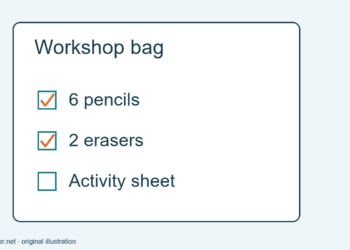
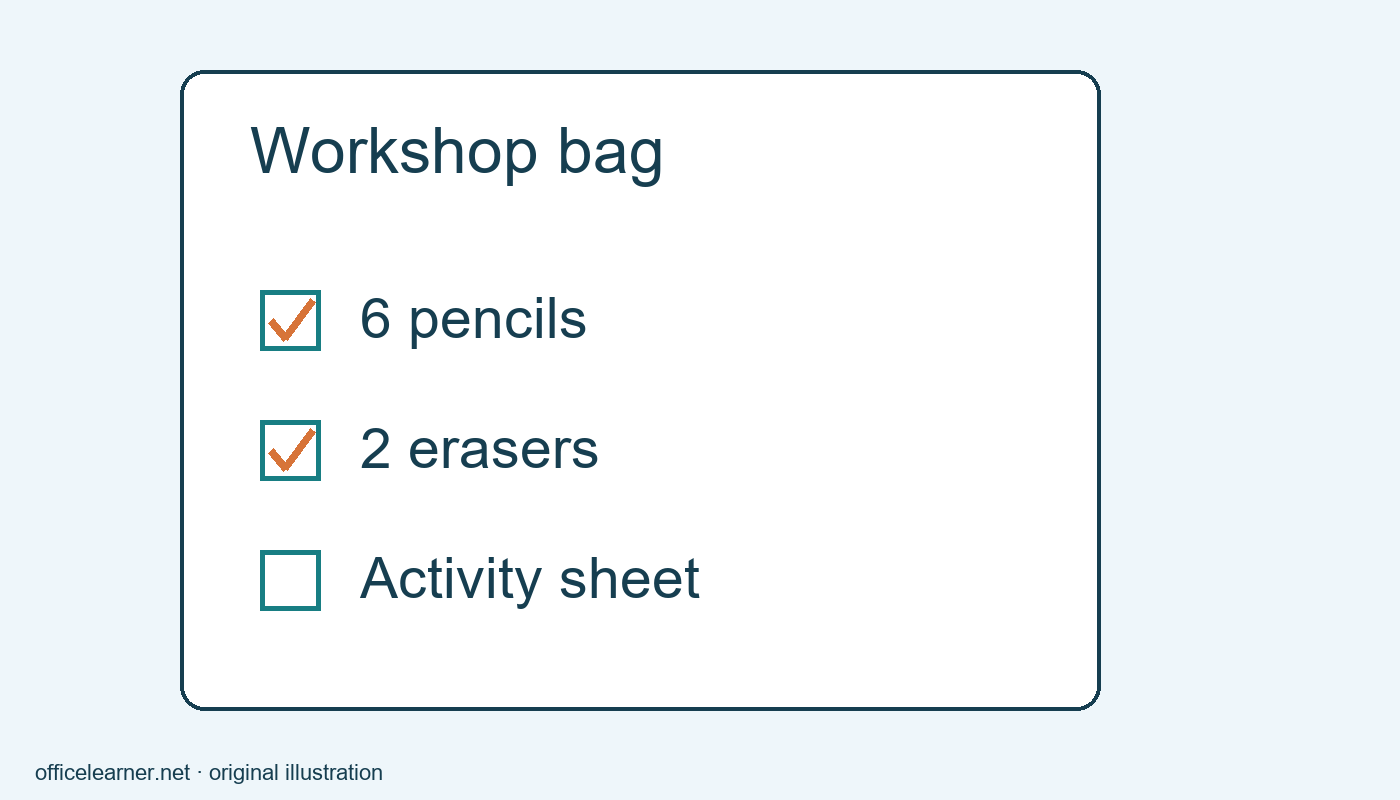
Decide that checked means the item is physically inside the workshop bag. Put that sentence above the list if someone else might use the page. Place six pencils in the bag and mark the first checkbox. Pack the erasers and mark the second. Leave the activity-sheet line unchecked until the correct printed sheet is also in the bag. The note now reflects a visible state rather than an intention or a vague sense that preparation is nearly finished.
Avoid checking an item simply because you remember owning it. This is the main practical value of a packing checklist: it closes the gap between having a supply somewhere and taking it to the workshop. A box has no way to verify the physical action for you. If the bag is unpacked or supplies are removed afterward, revisit the relevant checkmark instead of treating completion as permanent.
Keep the list small enough to inspect
For this example, three actions fit comfortably on one page. If you add a borrowed ruler, write a new action on its own line and apply the same tag. Include the quantity or identifying detail that matters, such as Pack the thirty-centimeter ruler, without turning every item into a long paragraph. A useful checklist is specific enough to act on and short enough to scan while you are packing.
Do not hide an essential condition in a distant note. If the activity sheet must be the version with large print, put that identifying phrase in the action or immediately beside it. Similarly, use distinct wording for Pack blank worksheets and Pack answer sheets. Two identical lines called Papers make it difficult to know which box describes which bundle. Clear labels reduce the need to open several other pages during the task.
Reuse the idea without inheriting old checks
If you make a new packing page for a later workshop, review every action and reset the completion state. Copying a previous page can copy its checkmarks too. A fully checked old list does not prove a new bag is ready. Update the page title, quantities, and any changed materials before you start. Preserve the old page separately if it is useful as a record of the earlier event.
You can also keep a clean master page with unchecked items, then create a working copy for each occasion. This is an organizational suggestion, not a required OneNote feature. Choose whichever method makes the current list easy to identify. Avoid leaving several pages with nearly identical names and no date or event label, because the correct checklist can become harder to find than the supplies themselves.
Check selection and synchronization
If only one line receives a box, inspect which paragraphs you selected. If every action shares one checkbox, they may have been entered as a single paragraph. Put each action on its own line with a paragraph break and try again. Work on the small practice list before applying tags to a long page, especially if it contains other note types you want to preserve.
When using a shared or synchronized notebook, make sure you are viewing the intended notebook and page. Allow the application to synchronize and inspect any reported sync problems before relying on another device's view. Do not assume that checking a tag creates a reminder, assigns another person, or establishes a deadline. Those are separate capabilities and workflows. This guide only claims a visible checkbox next to a note paragraph.
Try a handoff exercise
Ask a colleague to read the page without explanation and say what Pack six pencils means. Then ask when they would mark it complete. If their interpretation differs from yours, revise the completion sentence or the action wording. Add Pack one blue folder as a fourth item and practice leaving it unchecked while the other three are complete. What small change would help you distinguish today's working page from a reusable master?