
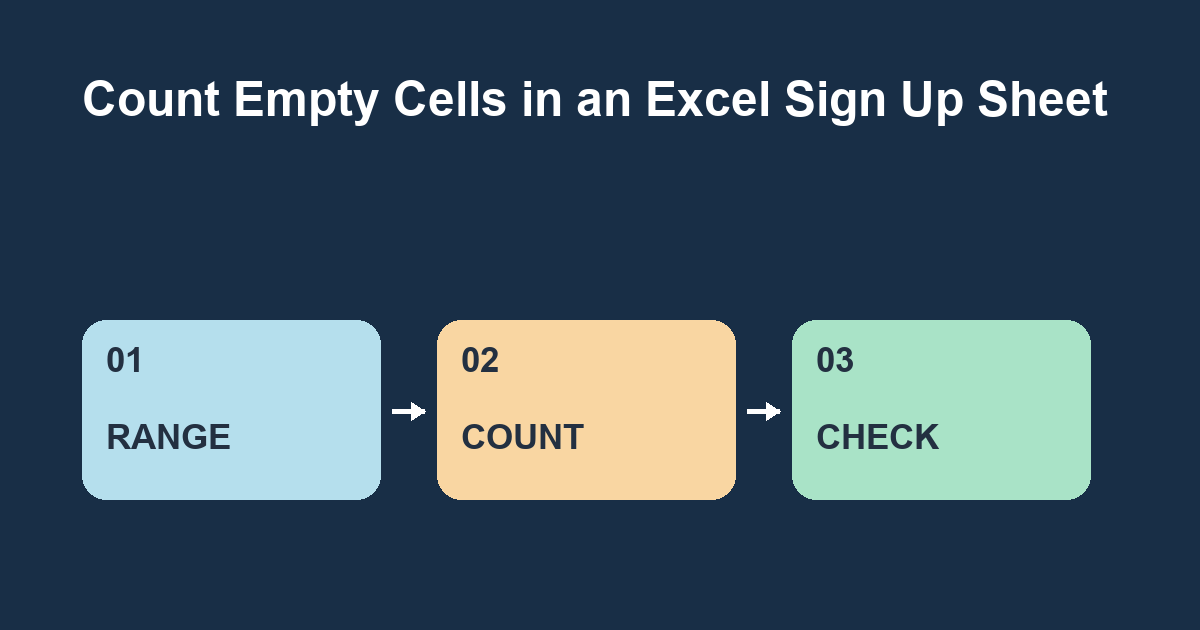
Use COUNTBLANK on the response column to count slots that still look empty. Keep the range limited to real signup slots so unused rows below the schedule do not inflate the count.
Build a four slot example
Enter four times in A2:A5. In B2 type Mira, leave B3 empty, type 0 in B4, and enter =IF(1=1,"","Booked") in B5. In D2 enter =COUNTBLANK(B2:B5). The expected count is 2. Excel counts the genuinely empty B3 and the empty string returned by B5. Zero is a value and does not count.
Decide what empty means for your sheet
If zero is an invalid signup entry, flag it separately. A space can also make an apparently empty cell count as filled. If the number seems wrong, click the suspicious cell and check the formula bar. Test the calculation by clearing B4 with Delete. The expected result rises to 3 without changing the other rows. If another person adds a fifth slot below the original range, extend the range and verify the count again.
Version and exercise
The example uses Excel for Microsoft 365. If Excel uses semicolons as argument separators in your region, use them in the IF formula. Replace Mira with a formula that returns an empty string. How many of your four slots now count as blank?
Use the result as a check, not a booking decision
A blank count answers a narrow question: how many cells in the selected range meet Excel’s definition of blank? It does not establish whether every other entry is a valid name or whether two people booked the same time. For a real sign-up sheet, review the names alongside the total before telling readers that all appointments are taken. Keep the formula outside B2:B5 so the summary cell cannot become part of its own input range.
A second small check
After restoring the original example, type a single space into B3. The expected count becomes 1 because that cell now contains text, even though it can look empty. Select B3 and press Delete to remove the space; the expected count returns to 2. This comparison helps distinguish a missing response from an entry that merely looks missing. Avoid clearing an entire response column while investigating one suspicious cell.
Keep the range aligned with the schedule
If your next event has eight time slots in rows 2 through 9, update the formula to =COUNTBLANK(B2:B9). Do not include the Name heading in B1 or hundreds of unused rows. Before reusing a template, compare the last scheduled row with the last row in the formula. For the original four-slot exercise, the final answer is 3 after Mira is replaced with an empty-string formula, provided you have restored B4 to zero and B3 is genuinely empty.